HomeRunPlus®
LineTrack
LineTrack
Document microducts, products, labels and any infrastructure directly with your smartphone – without any special equipment.
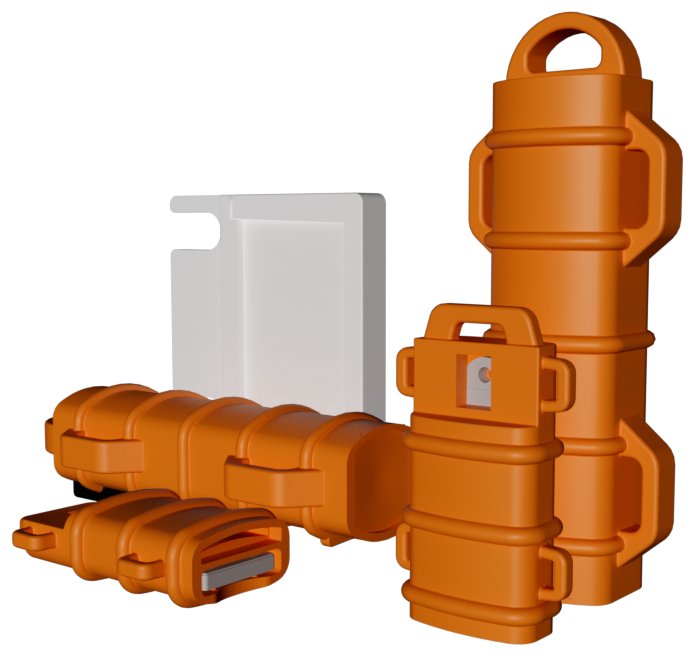
LineTrack revolutionizes the way telecommunications companies manage and document their cable infrastructure.
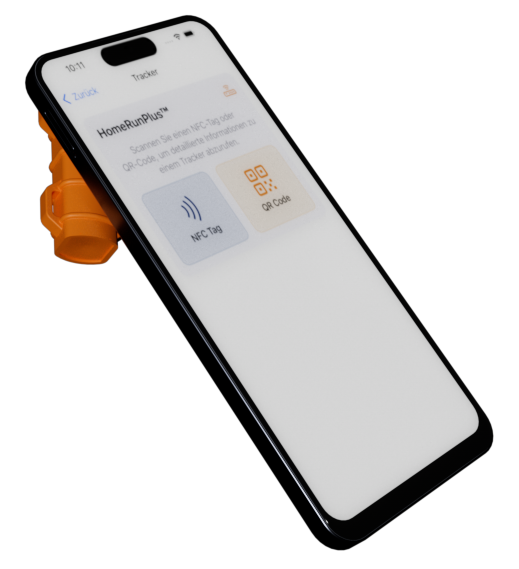
No special equipment needed – simply use your smartphone with NFC to read cable information.

Precisely identify cables and infrastructure components – even underground or in hard-to-reach areas.
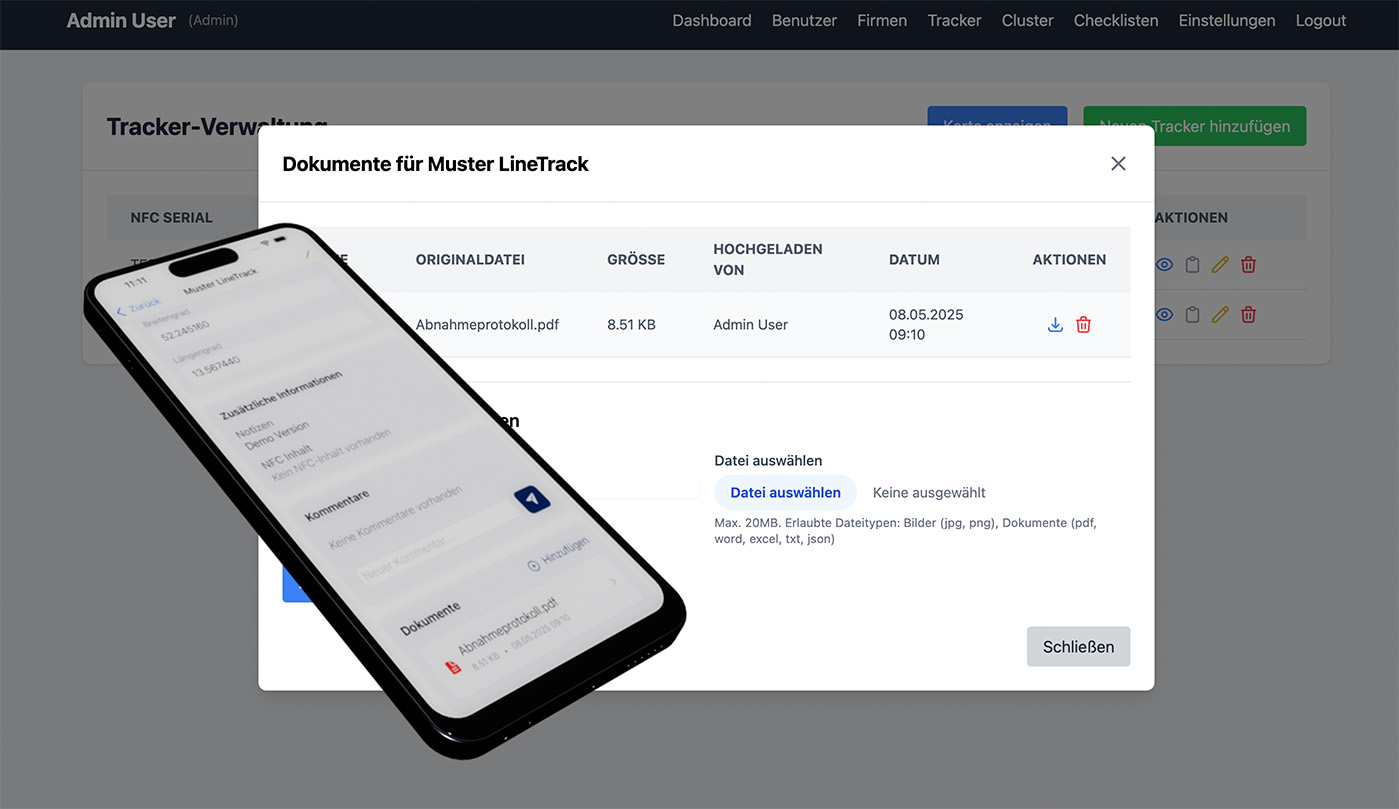
Provide plans, protocols and other documents centrally in the backend – so all information is available exactly where it's needed.
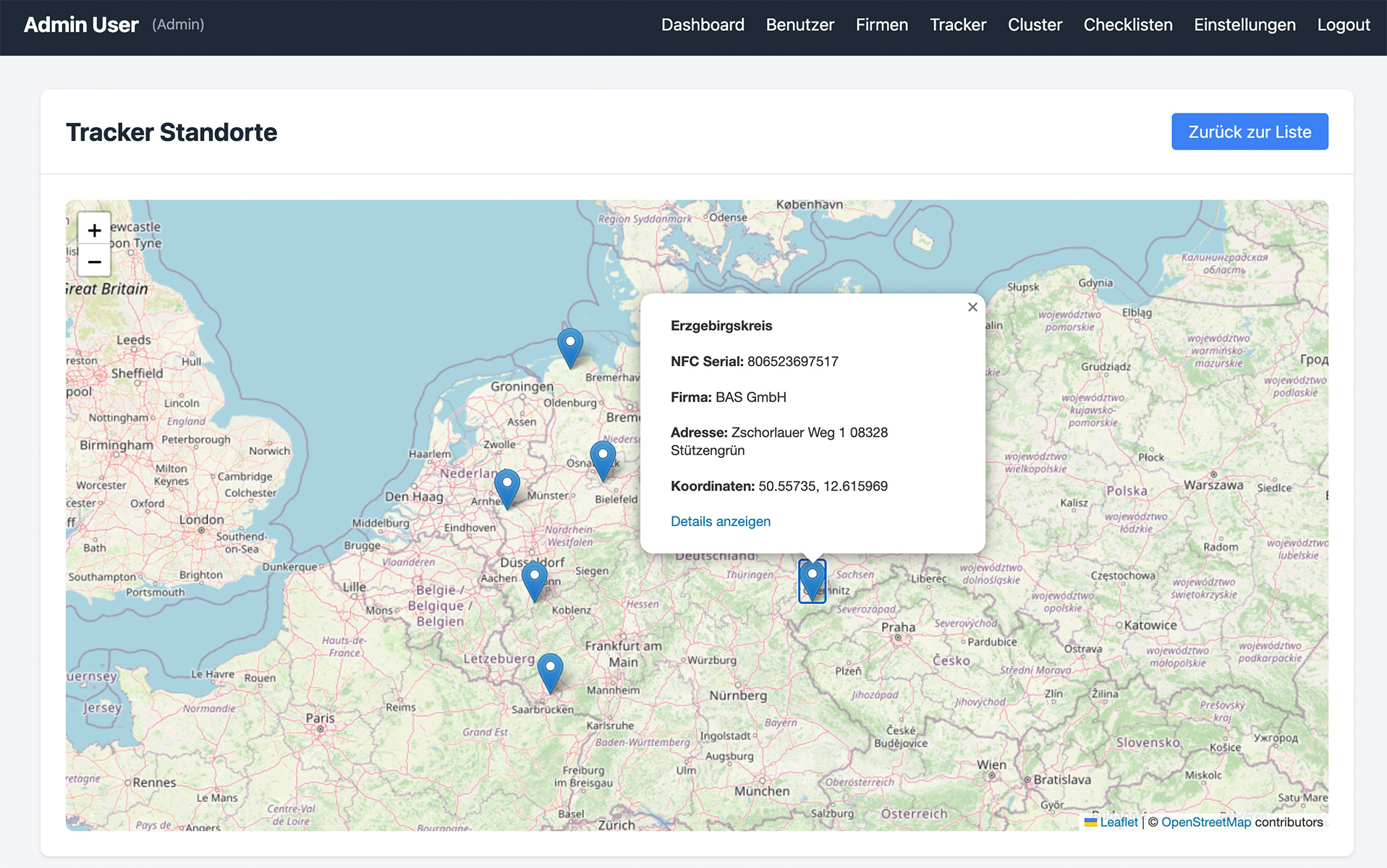
Keep track of all installed trackers with a central map view – ideal for quick localization and management of your infrastructure.
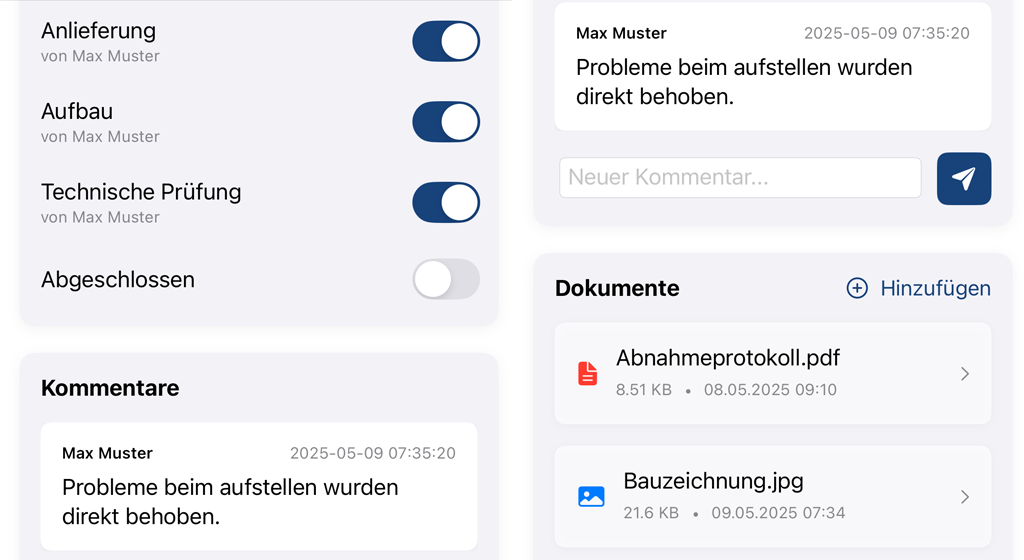
Upload relevant documents directly on-site, access stored documents, use comment history and work through checklists step by step – all digital in one place.
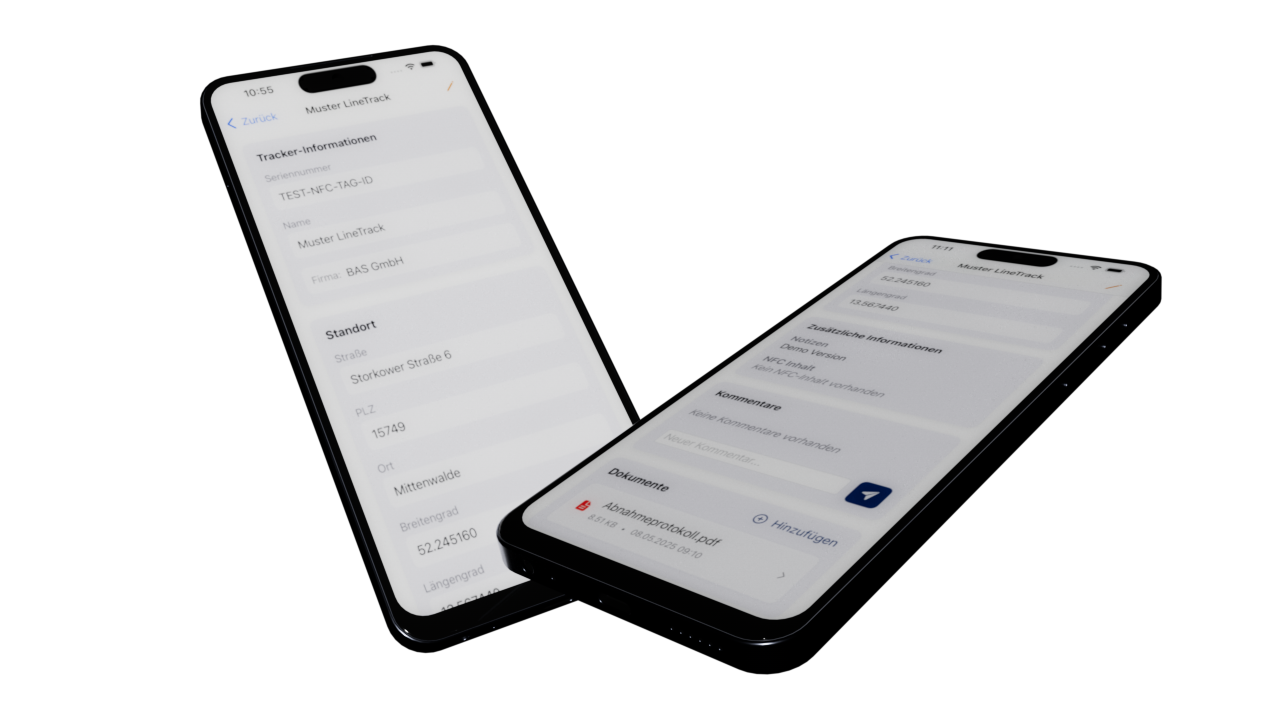
Save investment in expensive specialized hardware and use existing smartphones for the entire team.
Next Generation Professional – The smart addition to LineTrack
Our NexGenPro app extends the functionality of all BAS products for smarter, more efficient work in the digital age.
Registered business customers and their employees get exclusive access to read and edit LineTrack markers.
Create, distribute and use your own forms including GPS data capture, digital signatures and other practical features.
Create automated maintenance schedules for each tracker at individual intervals. Assign technicians and document all completed maintenance work without gaps.
Record service orders directly in the app, assign them to technicians and enable complete documentation of all work performed on-site.
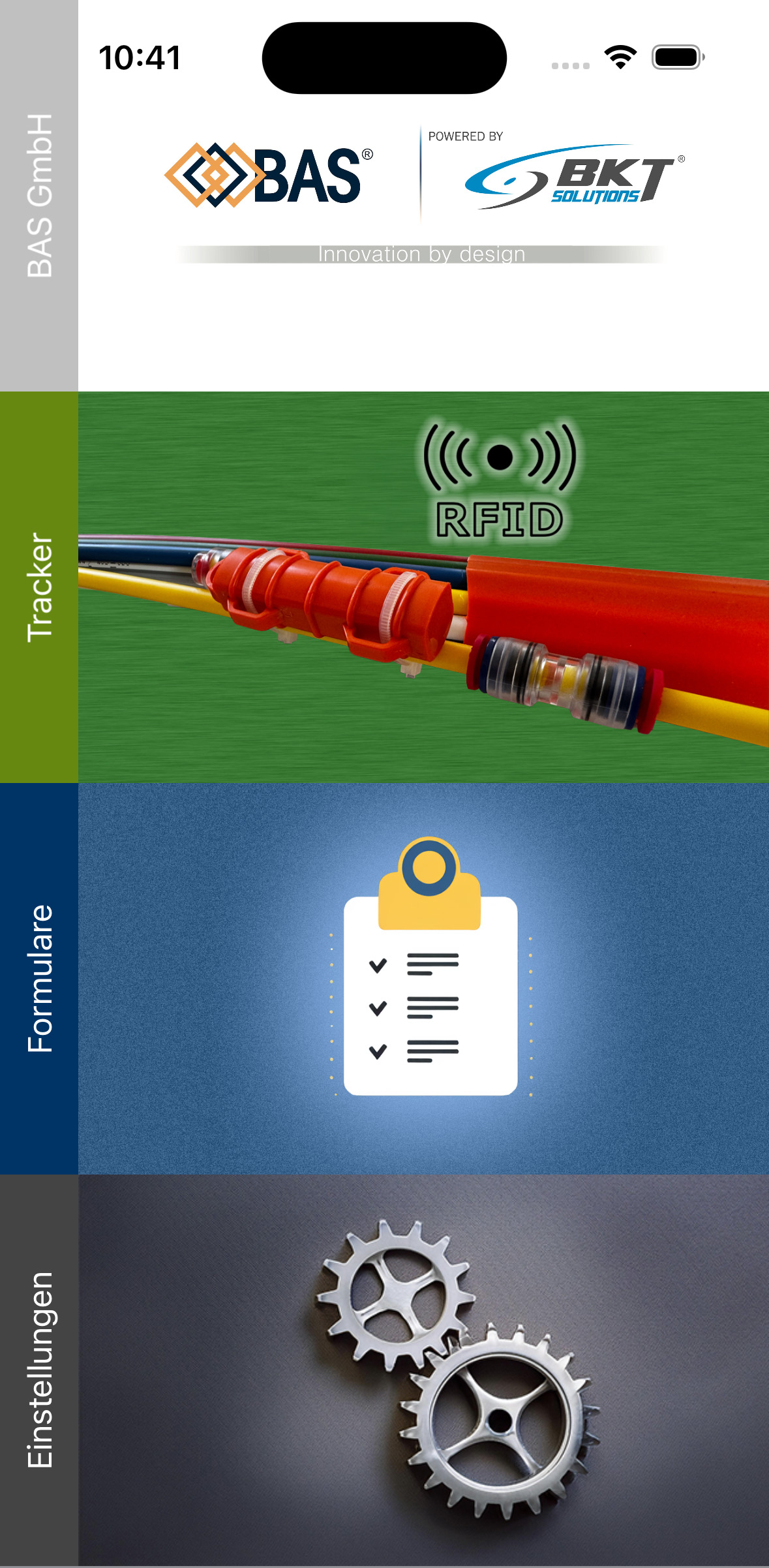

Complete cable documentation in just a few simple steps – intuitive and without specialized knowledge.
Simply attach LineTrack to the cable or infrastructure component – during installation or retroactively.
Hold your smartphone with activated NFC over the LineTrack marker to instantly receive all information.
Add comments, photos or documents via the app and save everything automatically to the central database.
Locate cables and components at any time – even when installed underground or in pipe systems.
Versatile applications for various telecommunications sectors.
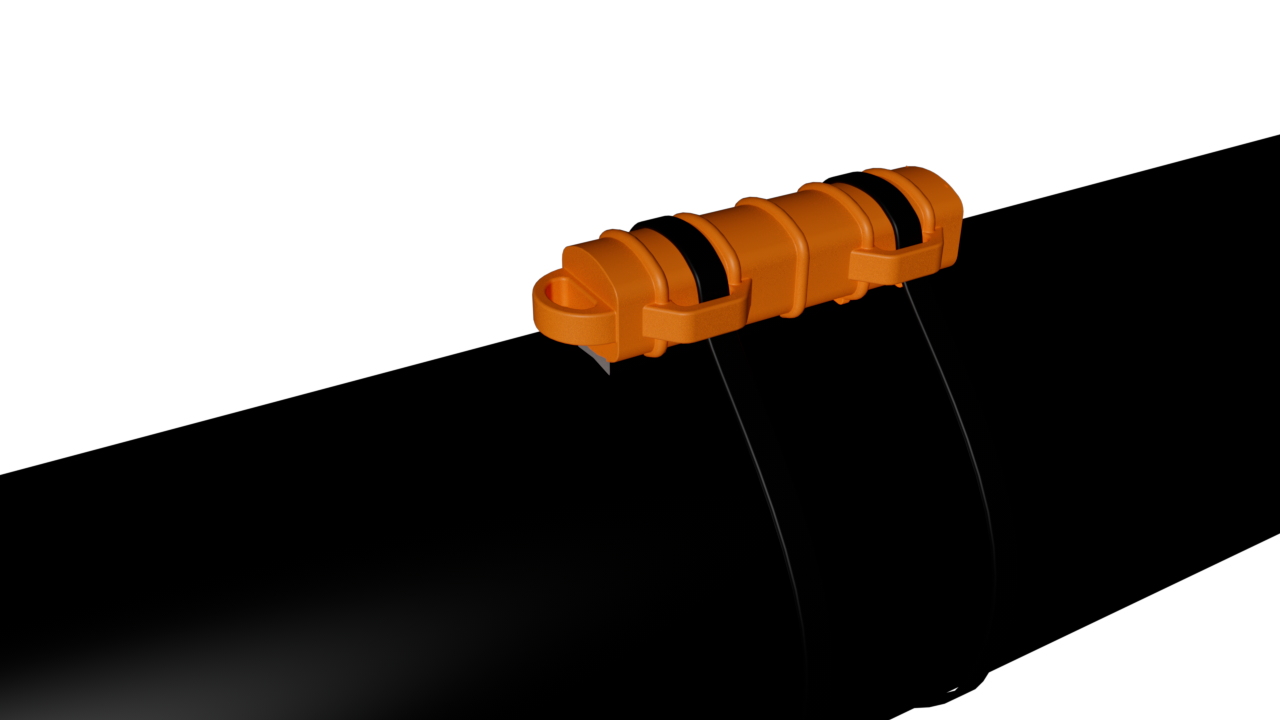
Identify and document fiber optic and other cables installed underground without time-consuming searches.
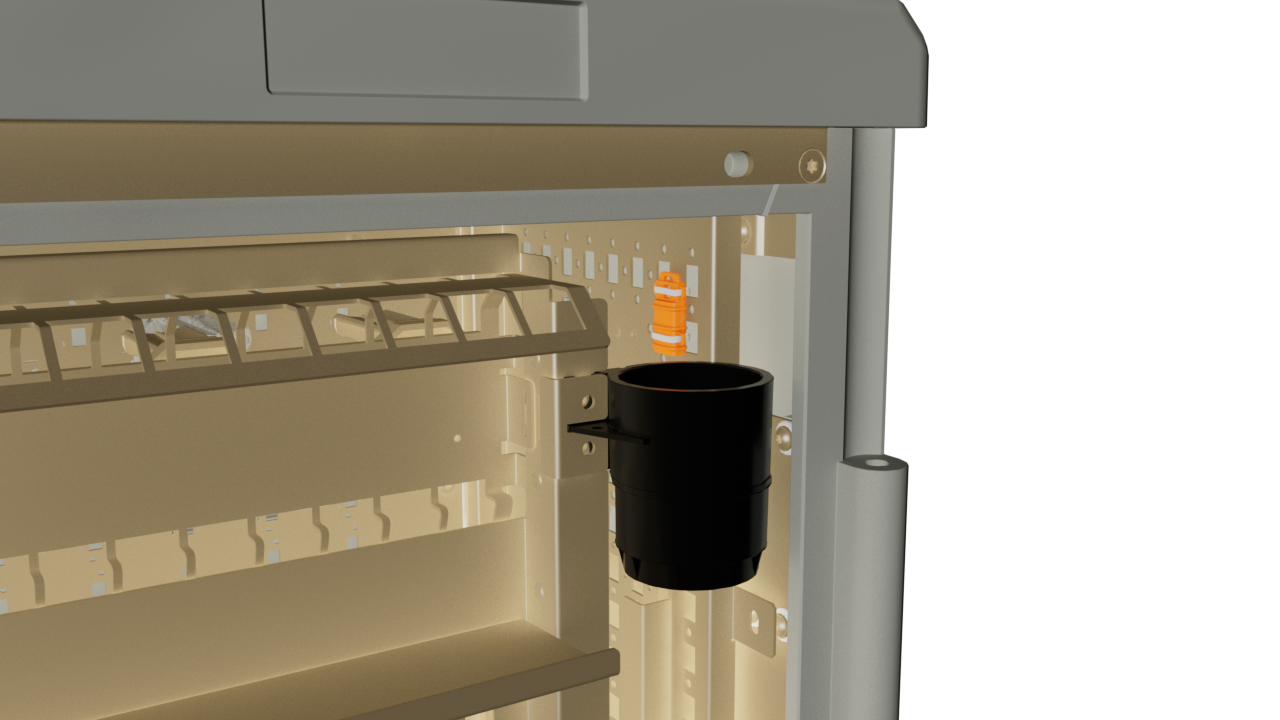
Documentation is always available – load relevant information directly for this network distributor.
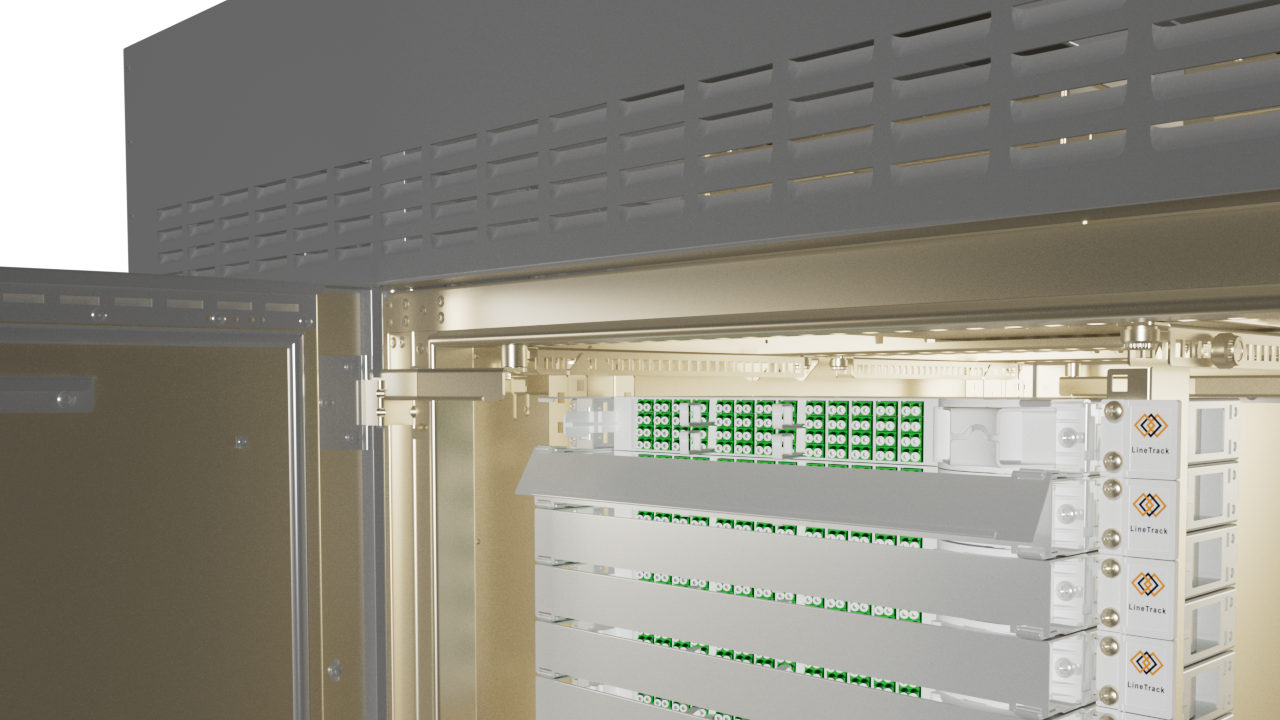
Scan the LineTrack – all stored information and documents for the respective enclosure are immediately available.
Start now with LineTrack and optimize your infrastructure documentation.
Do you have questions about LineTrack? Our team is happy to assist you.
BAS GmbH
Storkower Straße 6
15749 Mittenwalde/Gallun
Germany
+49 3376 251 41 84
support@bas-on.de